
Indoor hydroponic gardening has become extremely popular with systems like the AeroGarden, which uses automated LED grow lights, a light timer, and a controlled water system to grow herbs, vegetables, and flowers indoors. However, one issue that many users eventually face is when the grow lights suddenly stop working or fail to turn on. If you are looking for a reliable aerogarden light not turning on fix, the problem is often related to components such as the power supply, control panel, LED light hood, connector pins, or light timer settings.
In many cases, lights may stop turning on because of power outages, timer resets, loose electrical contact in the hood, or internal issues with the LED panel or capacitors. Some users also report that the lights may flash once and then turn off, or they may fail to turn on automatically according to the programmed schedule. Understanding how the lighting system works and following structured troubleshooting steps can help identify the exact cause.
This comprehensive guide explains the most common causes of lighting problems in AeroGarden systems and provides detailed solutions. By following these troubleshooting methods, you can identify the cause and apply the correct aerogarden light not turning on fix to restore your indoor gardening system.
Understanding How the AeroGarden Lighting System Works
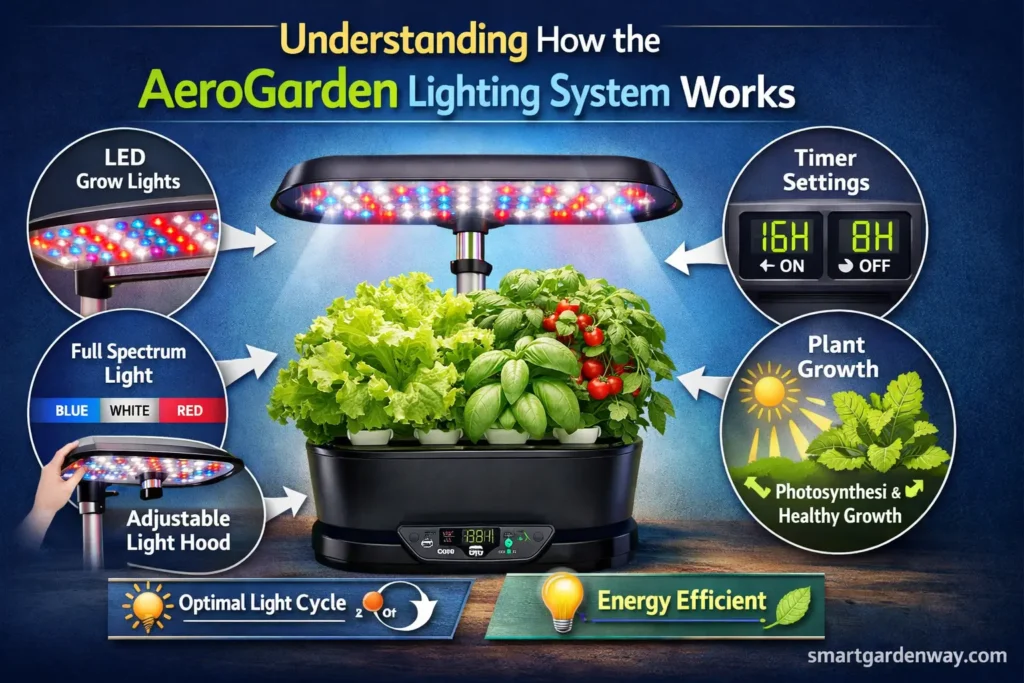
Before applying any aerogarden light not turning on fix, it is important to understand the components involved in the lighting system. AeroGarden units rely on LED grow lights located inside a light hood, which is attached to the base through an adjustable arm or light post.
The lighting system receives power through the power adapter and power cord, which supply electricity to the base unit. From there, the electrical connection travels to the light hood, where the LED panel and power board distribute electricity to the grow lights.
The lighting schedule is controlled by the control panel and automatic light timer. These timers regulate the daily lighting cycle by setting the ON period and OFF period for the grow lights. This automated system ensures plants receive consistent light for proper photosynthesis and healthy plant growth.
If any part of this system fails including the power supply, timer settings, hood connections, LED panel, or capacitors the grow lights may stop functioning.
Common Problems That Cause AeroGarden Lights to Stop Working
Several different issues can cause the lights to stop functioning. Identifying the exact cause is the first step toward applying the correct aerogarden light not turning on fix.
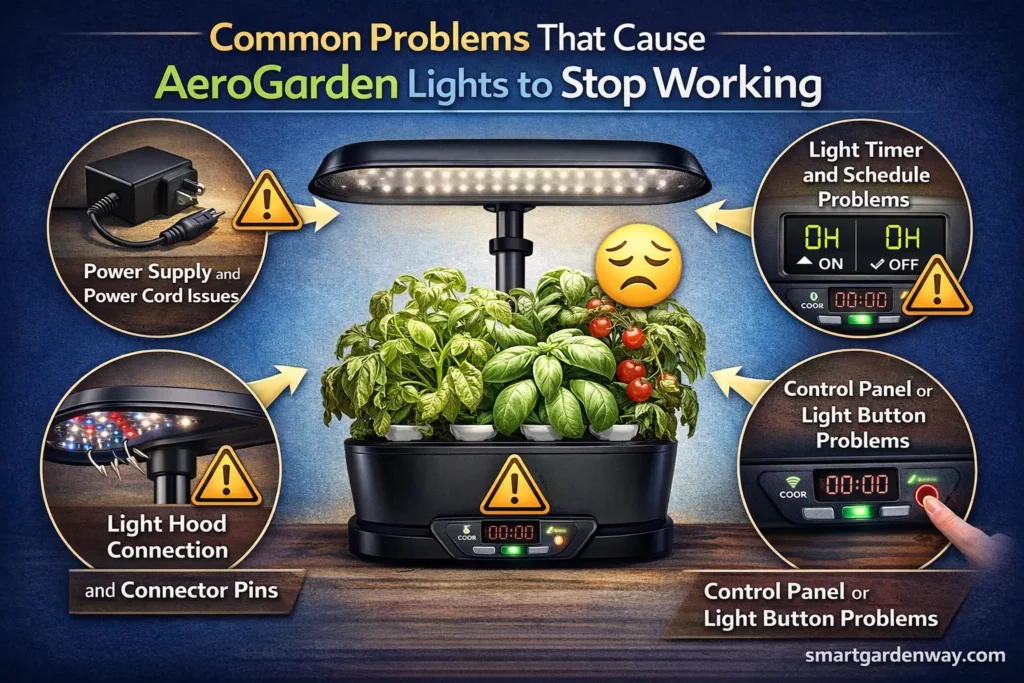
Power Supply and Power Cord Issues
One of the most common causes of lighting failure is a problem with the power supply or power cord. If the power adapter becomes damaged or the cord is not properly connected, the system will not receive the electricity required to power the lights.
Users sometimes experience situations where the control panel becomes unresponsive or the lights flash once but do not stay on. This often indicates a problem with the power connection. Inspecting the power cord, outlet, and adapter is the first troubleshooting step.
Sometimes simply reconnecting the power cable or switching to another outlet can restore the system.
Light Timer and Schedule Problems
The light timer controls when the LED grow lights turn on and off automatically. In some cases, power outages or storms may interrupt the timer settings. When this happens, the timer may reset and the lights will no longer turn on automatically.
Many users report that after multiple power outages, the timer schedule becomes inactive. Resetting the timer through the control panel can often restore the normal lighting cycle.
Light Hood Connection and Connector Pins
Another common issue involves the light hood connection. The hood connects to the main unit through connector pins and electrical contact points. If these pins do not align properly, the system cannot deliver power to the lights.
Users have reported that the lights started working again after simply pushing the light hood toward the unit so the connector pins made proper contact. This small adjustment can sometimes fix the issue immediately.
Control Panel or Light Button Problems
The control panel contains buttons used to operate the lighting system. If the light button becomes stuck, damaged, or unresponsive, it may prevent the lights from activating.
In some cases, pressing the light button repeatedly or resetting the system can restore proper function.
Step-by-Step Aerogarden Light Not Turning On Fix
When troubleshooting a lighting problem, it is best to follow a structured process. The following steps can help identify the cause and provide the appropriate aerogarden light not turning on fix.
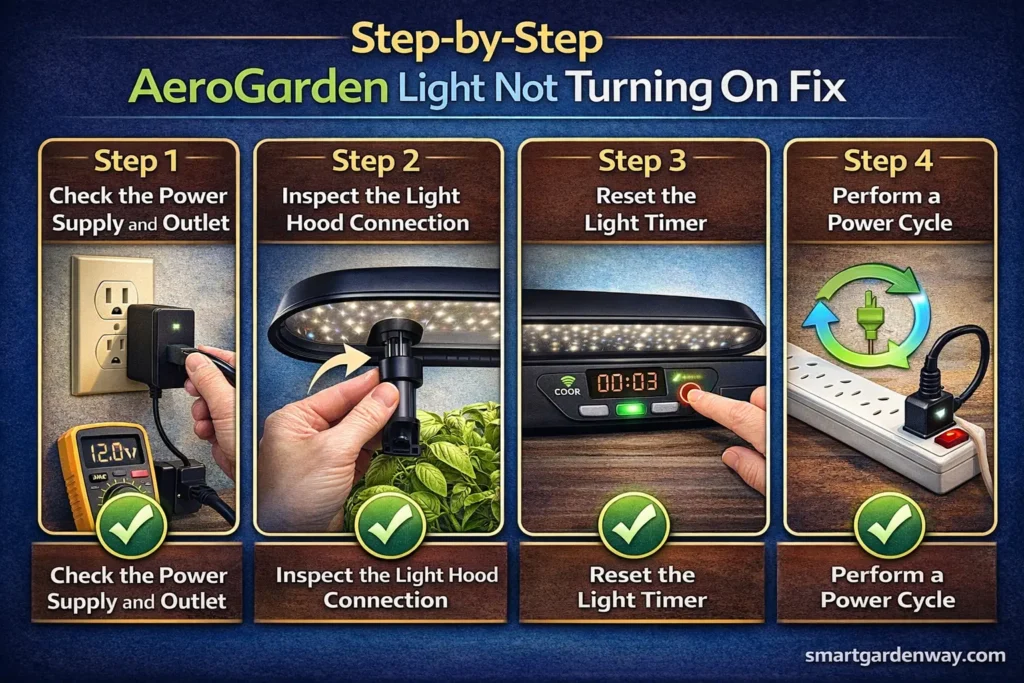
Step 1: Check the Power Supply and Outlet
The first step is confirming that the system is receiving power.
Make sure the power cord is securely connected to the AeroGarden base and the electrical outlet. Inspect the power adapter and cable for any visible damage. If the adapter shows signs of wear or exposed wiring, it may need replacement.
Testing the outlet with another device can also confirm whether the outlet is functioning correctly.
Step 2: Inspect the Light Hood Connection
The next step is checking the connection between the light hood and the AeroGarden unit.
Detach the hood from the light post or adjustable arm, then reconnect it carefully. Examine the connector pins to ensure they are aligned properly and making contact with the electrical points inside the unit.
In many cases, reconnecting the hood resolves the issue immediately.
Step 3: Reset the Light Timer
If the lighting system still does not work, resetting the light timer may solve the problem.
Most AeroGarden models allow users to reset the timer by pressing and holding the light button until the system resets. This action creates a new lighting schedule and reactivates the automatic cycle.
After the reset, the lights should begin operating according to the new schedule.
Step 4: Perform a Power Cycle
If the timer reset does not resolve the problem, performing a power cycle can help reset the electronics.
Unplug the AeroGarden from the wall outlet and leave it disconnected for several minutes. After reconnecting the system, press the light button again to see if the lights turn on.
This method often resolves temporary electronic glitches.
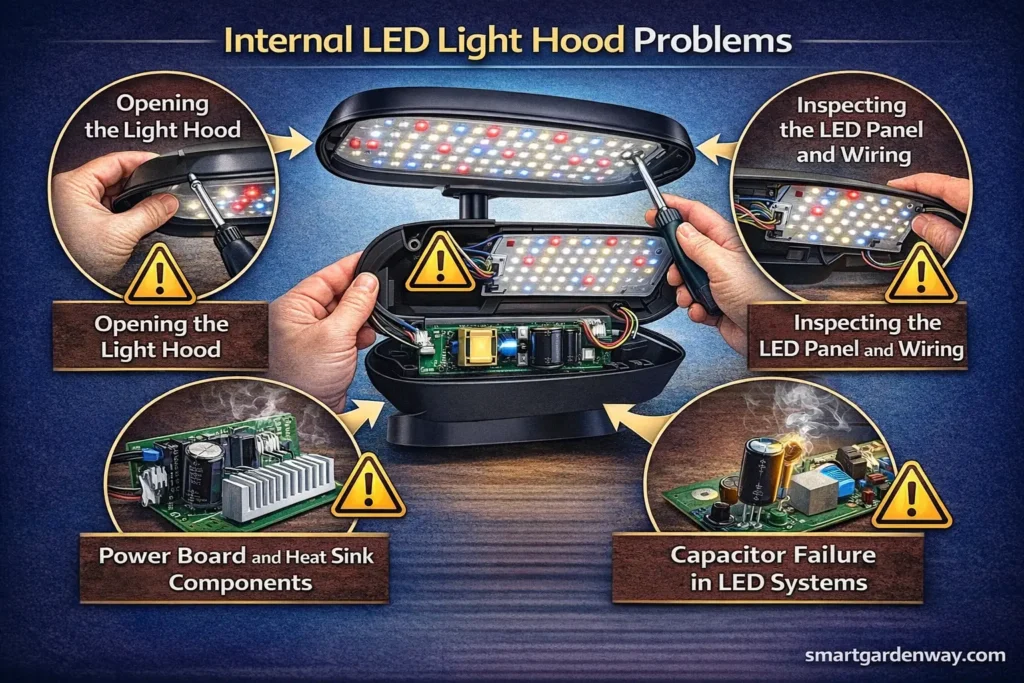
Internal LED Light Hood Problems
If basic troubleshooting steps do not resolve the issue, the problem may be located inside the LED light hood.
Opening the Light Hood
The hood can be removed from the unit by disconnecting it from the light post and removing the screws that secure the housing. This exposes internal components such as the LED panel, plastic light cover, power board, and heat sink.
Inspecting the LED Panel and Wiring
The LED panel provides illumination for plant growth. If the panel becomes damaged or disconnected, the lights will stop functioning. Checking the wiring and ensuring the panel is properly connected can sometimes resolve the issue.
Power Board and Heat Sink Components
Inside the hood, the power board regulates electrical current supplied to the LED panel. If the board becomes damaged, the lighting system may malfunction.
The heat sink helps dissipate heat generated by the LEDs. If this component becomes loose or damaged, it may affect the electrical connections within the hood.
Capacitor Failure in LED Systems
Some repair guides indicate that bad capacitors inside the hood can cause LED lights to strobe or stop working entirely. Capacitors help regulate voltage within the circuit. When they fail, the lights may flicker or shut off.
Replacing faulty capacitors may restore the system, although this repair requires basic tools and soldering skills.
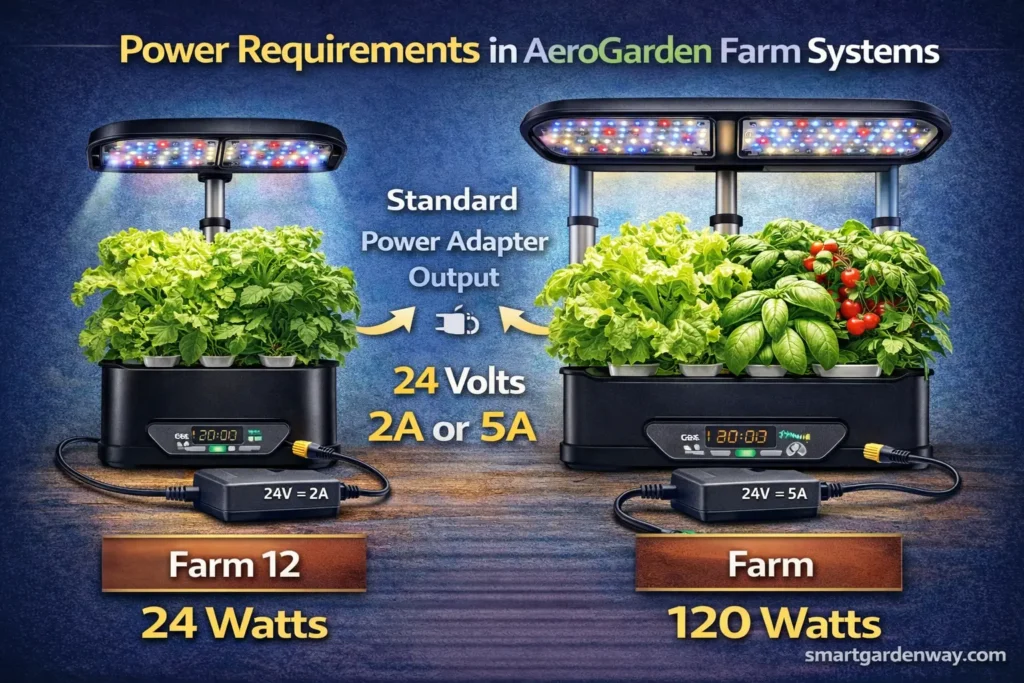
Power Requirements in AeroGarden Farm Systems
Some users with AeroGarden Farm models encounter lighting problems related to power requirements. Farm lighting systems operate using 48-volt power, which is similar to the voltage used by PoE adapters.
If the power adapter becomes incompatible or fails to provide the correct voltage, the lights may stop working even though the rest of the unit functions normally.
Ensuring the adapter provides the proper 48-volt output can help restore the lighting system.
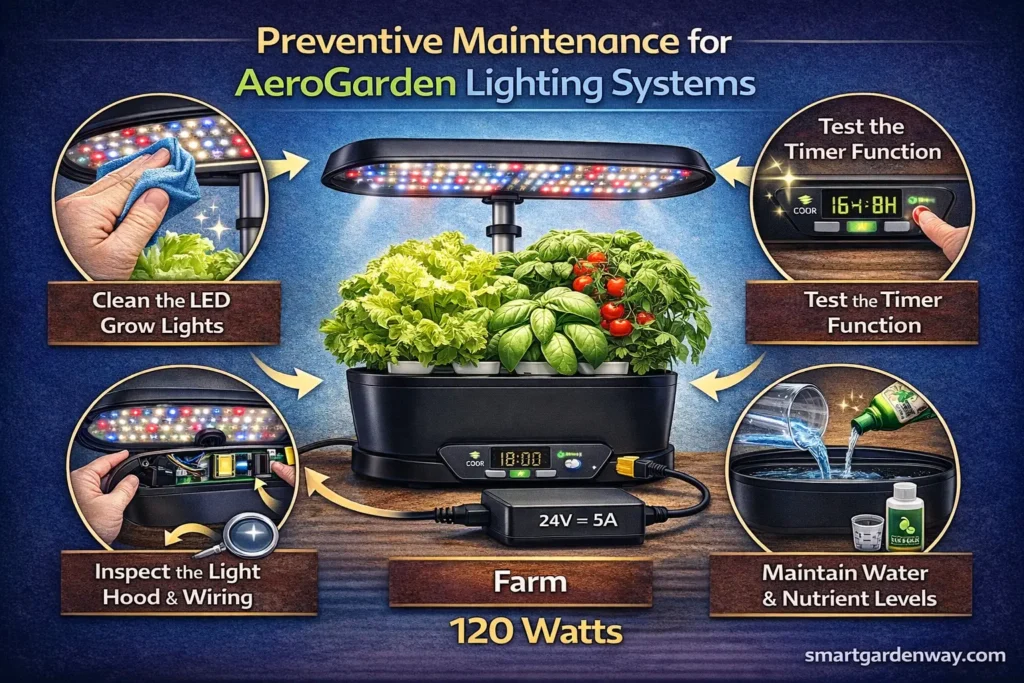
Preventive Maintenance for AeroGarden Lighting Systems
Regular maintenance can help prevent lighting problems in the future.
Users should periodically inspect the power cord, adapter, and light hood connection to ensure all components remain secure. Keeping the lighting system clean can also help prevent overheating and maintain proper airflow.
Checking the light timer settings and control panel functions regularly ensures that the automated lighting schedule continues operating correctly.
Preventive maintenance can extend the lifespan of LED grow lights, power boards, and internal components, helping the AeroGarden function reliably for multiple growing cycles.
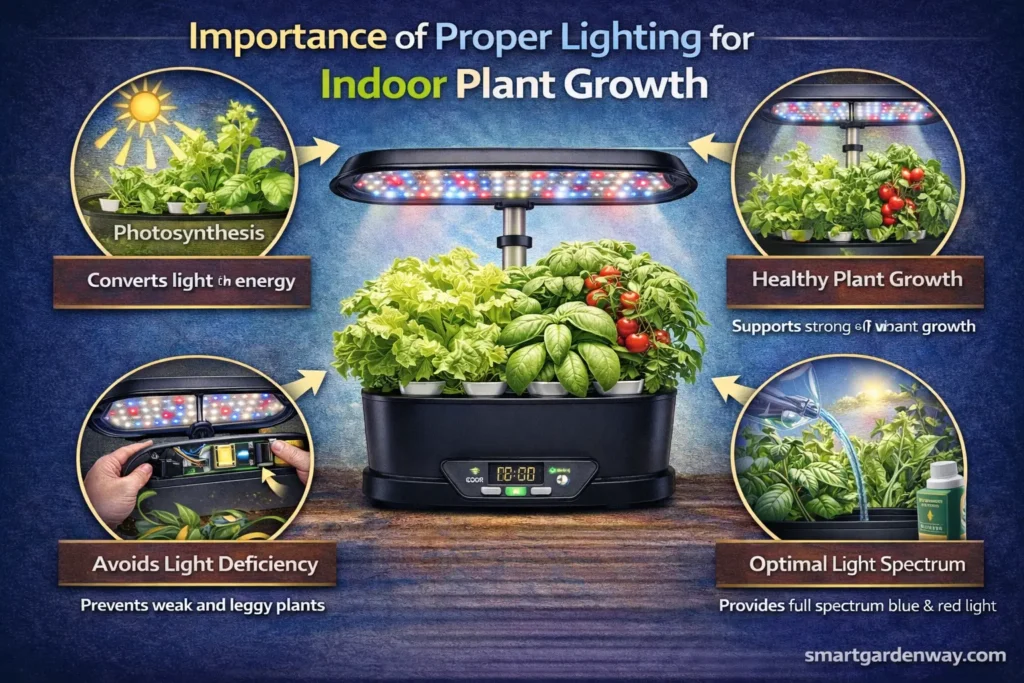
Importance of Proper Lighting for Indoor Plant Growth
The lighting system in an AeroGarden plays a vital role in supporting healthy plant development. LED grow lights mimic natural sunlight, providing plants with the energy required for photosynthesis.
Without consistent lighting, plants may experience slow growth, weak stems, and reduced productivity. Maintaining a properly functioning lighting system ensures that plants receive the light they need throughout the day.
For this reason, identifying and resolving lighting problems quickly is essential for maintaining a successful indoor garden.
FAQs
Why is my AeroGarden light not coming on?
Your AeroGarden light may not turn on due to a power supply issue, timer reset, loose connector pins, or a problem with the LED light hood. Power outages can also reset the timer schedule. Checking the power adapter, outlet, and hood connection is usually the first step.
How do I reset the light on my AeroGarden?
You can reset the light by pressing and holding the light button on the control panel until the timer resets. This creates a new automatic lighting schedule for the grow lights.
Why did my Grow Light stop working?
Grow lights may stop working due to damaged power adapters, timer failures, loose hood connections, or faulty capacitors inside the LED hood. Internal components such as the power board or LED panel may also fail over time.
Can AeroGarden lights be replaced?
Yes, AeroGarden lights can be replaced depending on the model. Some systems allow replacement of the LED panel or internal components, while others require replacing the entire light hood assembly if the lighting system is damaged.
Conclusion
Lighting issues can interrupt your indoor gardening routine, but most problems have simple solutions once the cause is identified. Whether the issue involves a power supply problem, timer reset, loose connector pins, control panel malfunction, or internal LED components, there are several effective troubleshooting methods available.
By following the steps outlined in this guide, you can apply the correct aerogarden light not turning on fix and restore the functionality of your grow lights. Begin with simple checks such as verifying the power cord, outlet, and adapter, then inspect the light hood connection and timer settings. If necessary, more advanced repairs such as examining the LED panel, power board, heat sink, or capacitors may be required.
Regular maintenance and periodic inspection of these components can help prevent future lighting problems. Keeping the LED grow lights functioning properly ensures that your AeroGarden continues to provide reliable illumination for herbs, vegetables, and flowers, allowing your indoor garden to thrive year-round.